Featured
Digital Signage Player
Project Information
Role: Frontend Developer
Team: Team Project (Frontend + Backend + Mobile)
Duration: Ongoing
Year: 2026
Tech Stack
React 18
Vite
Tailwind CSS
Redux
MQTT
IndexedDB
Axios
i18next
GSAP
Framer Motion
React Player
Firebase
Docker
Nginx
Key Features
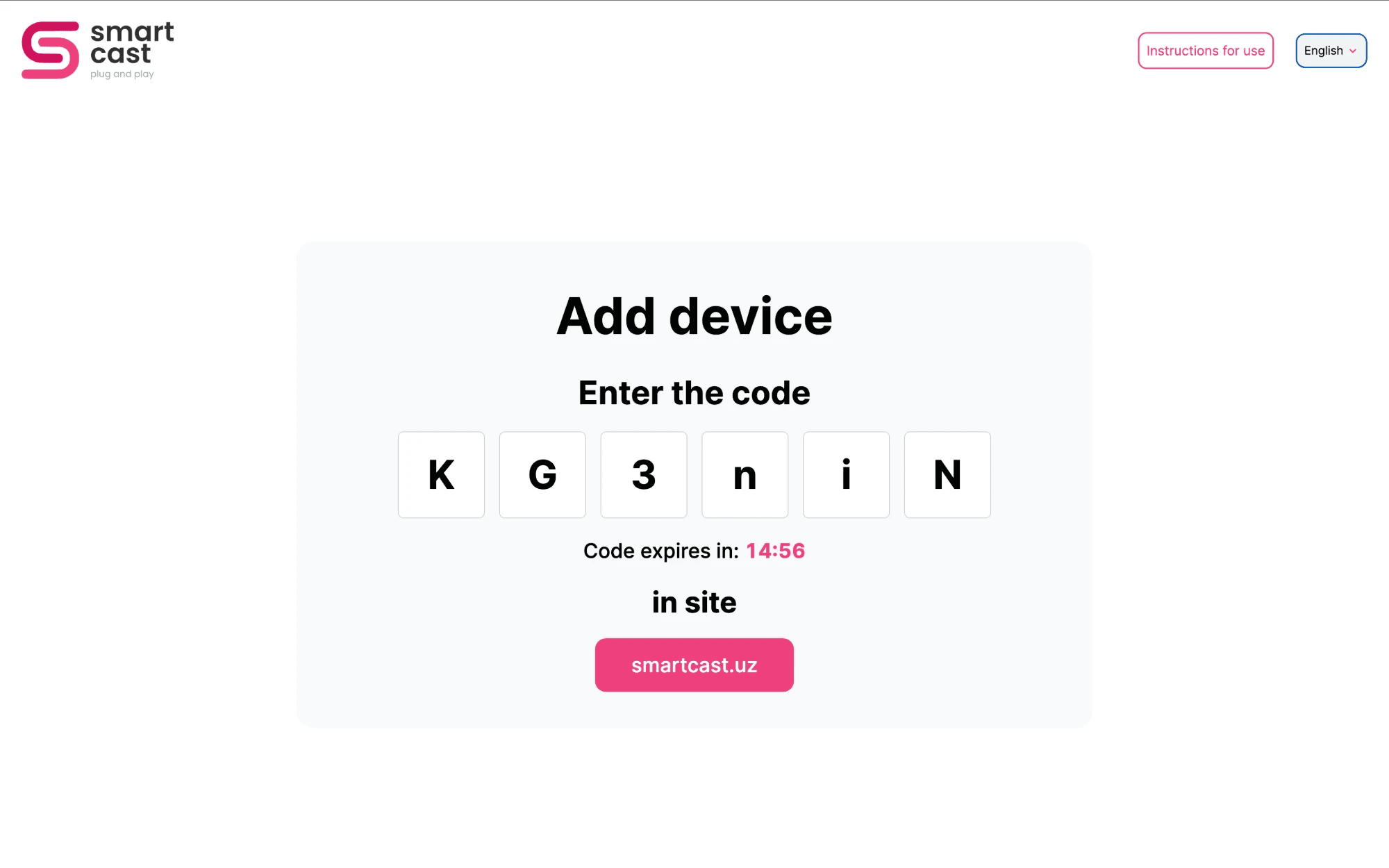
- Device pairing with a code from the dashboard
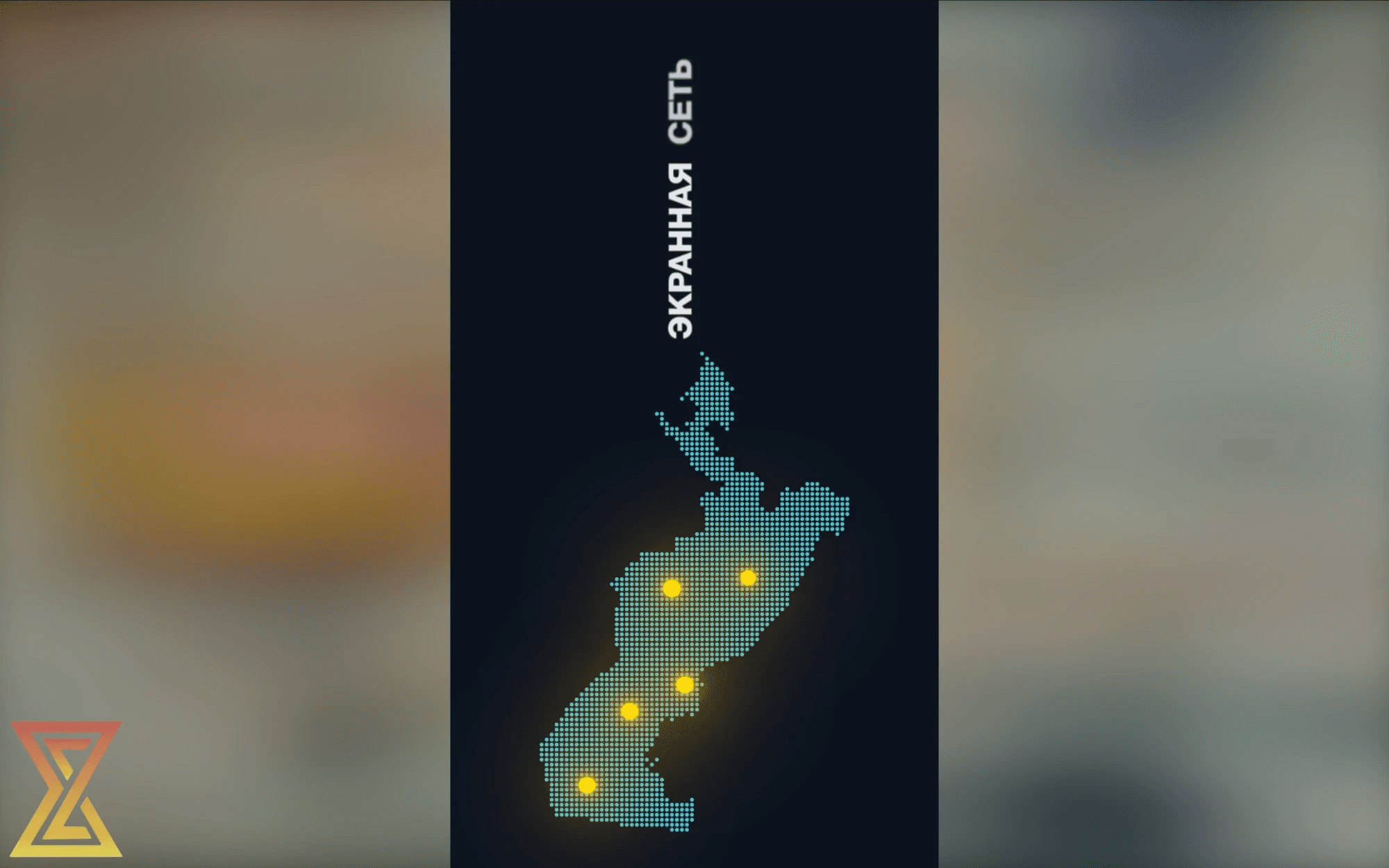
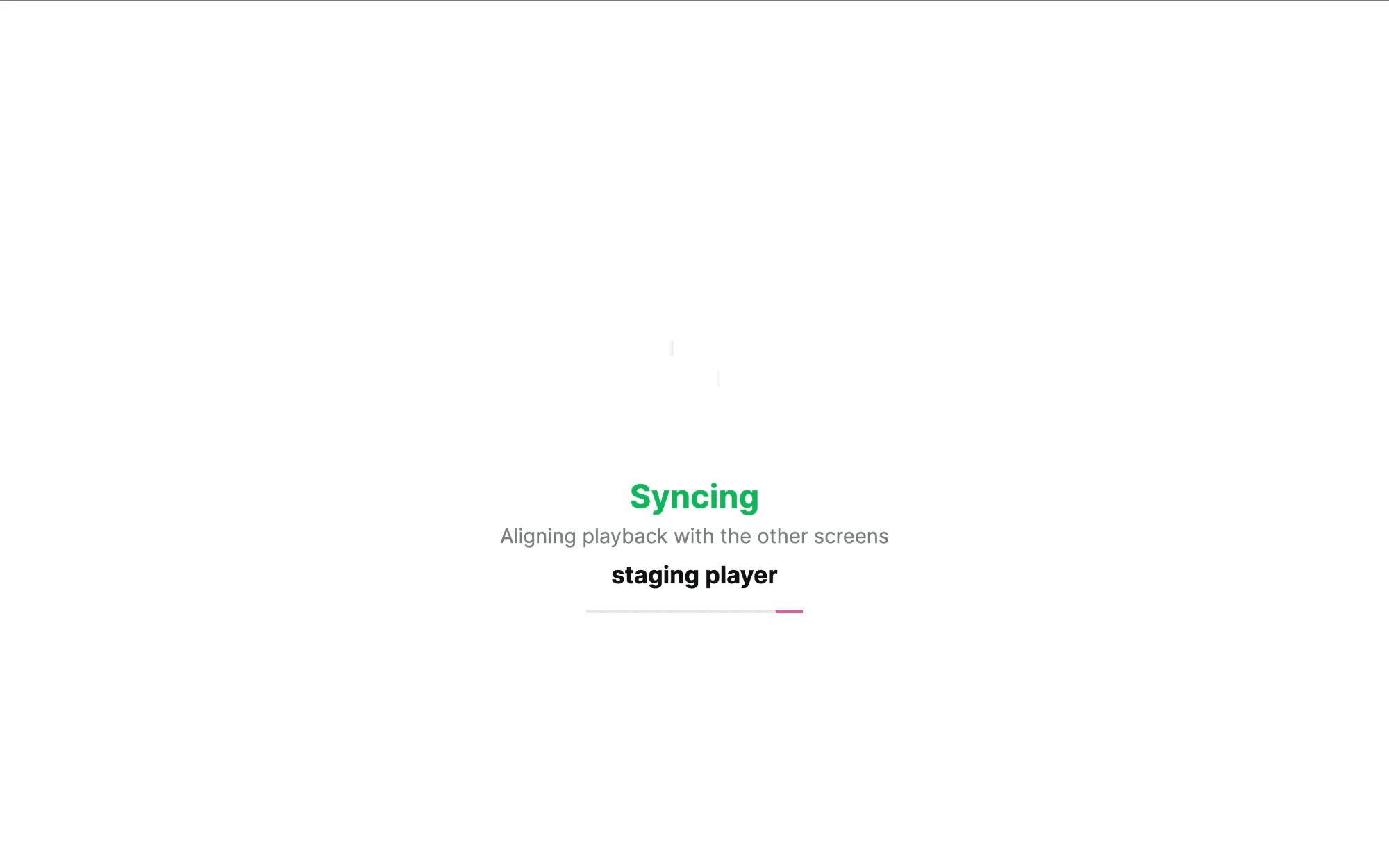
- Synchronized playback across multiple screens
- Automatic update when a new version is released
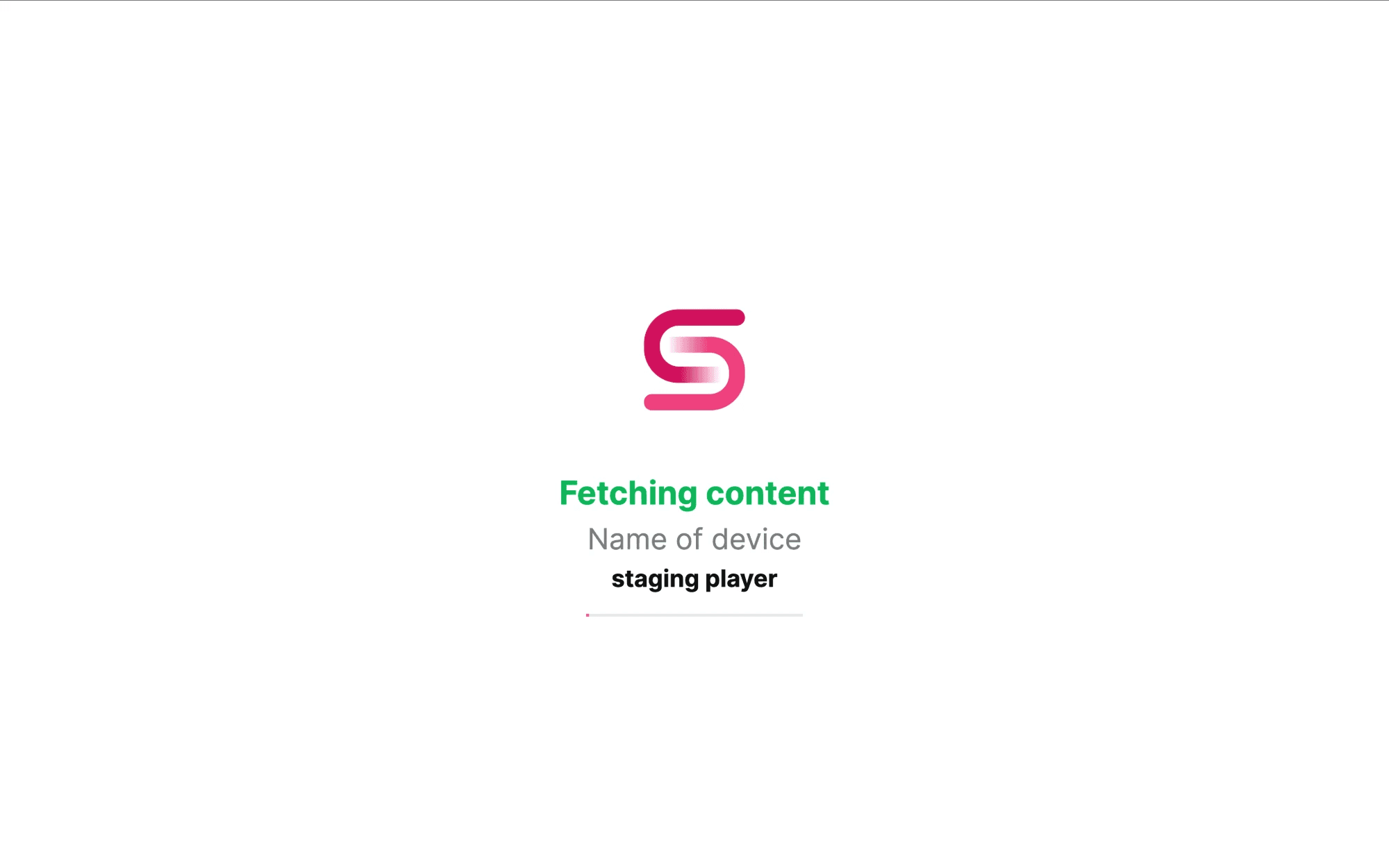
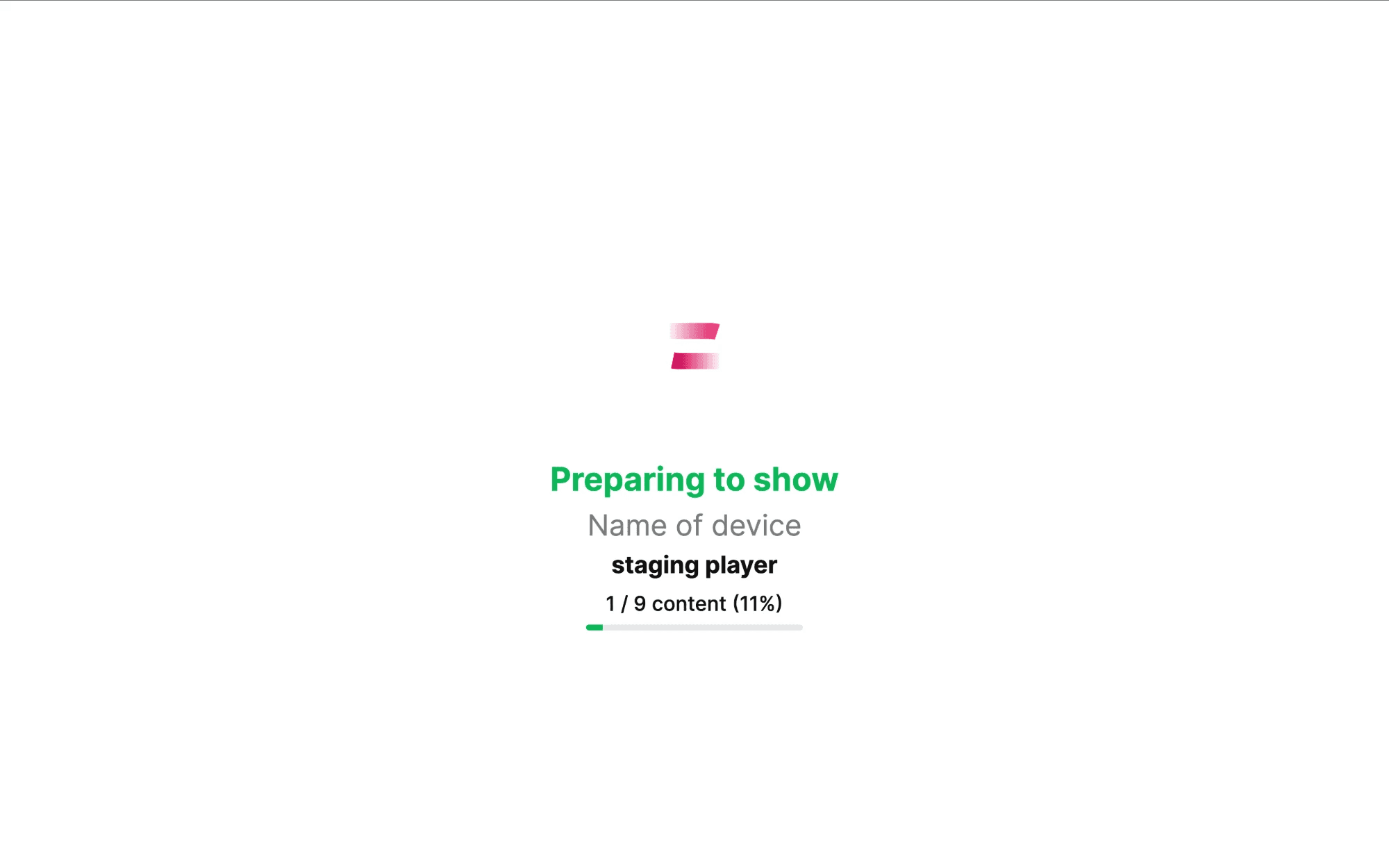
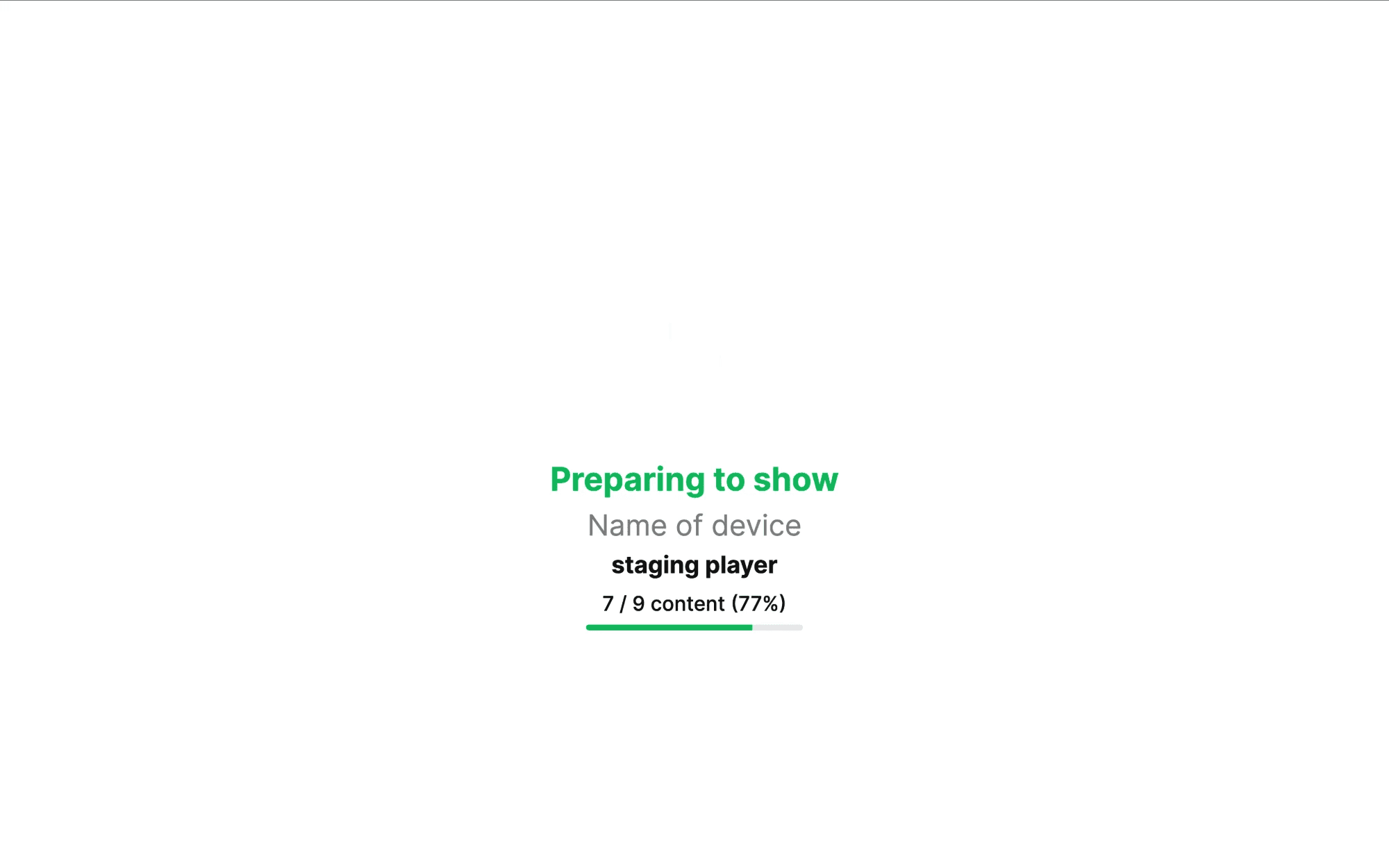
- Content loader with progress while media is prepared
- Rotate device and group screens
- Logo over content, with rotation
- Screenshot of the screen on command
- Background music
- Add, delete and sort content in a group or on a device
- Scheduling: without schedule, every day, by days of the week
- Images (PNG, JPEG), MP4 video, YouTube stream and video, web sites and MP3
- Delete cache on one device or on all devices
- Work-time control and free-plan content
- System info collection and system, main and background volume control
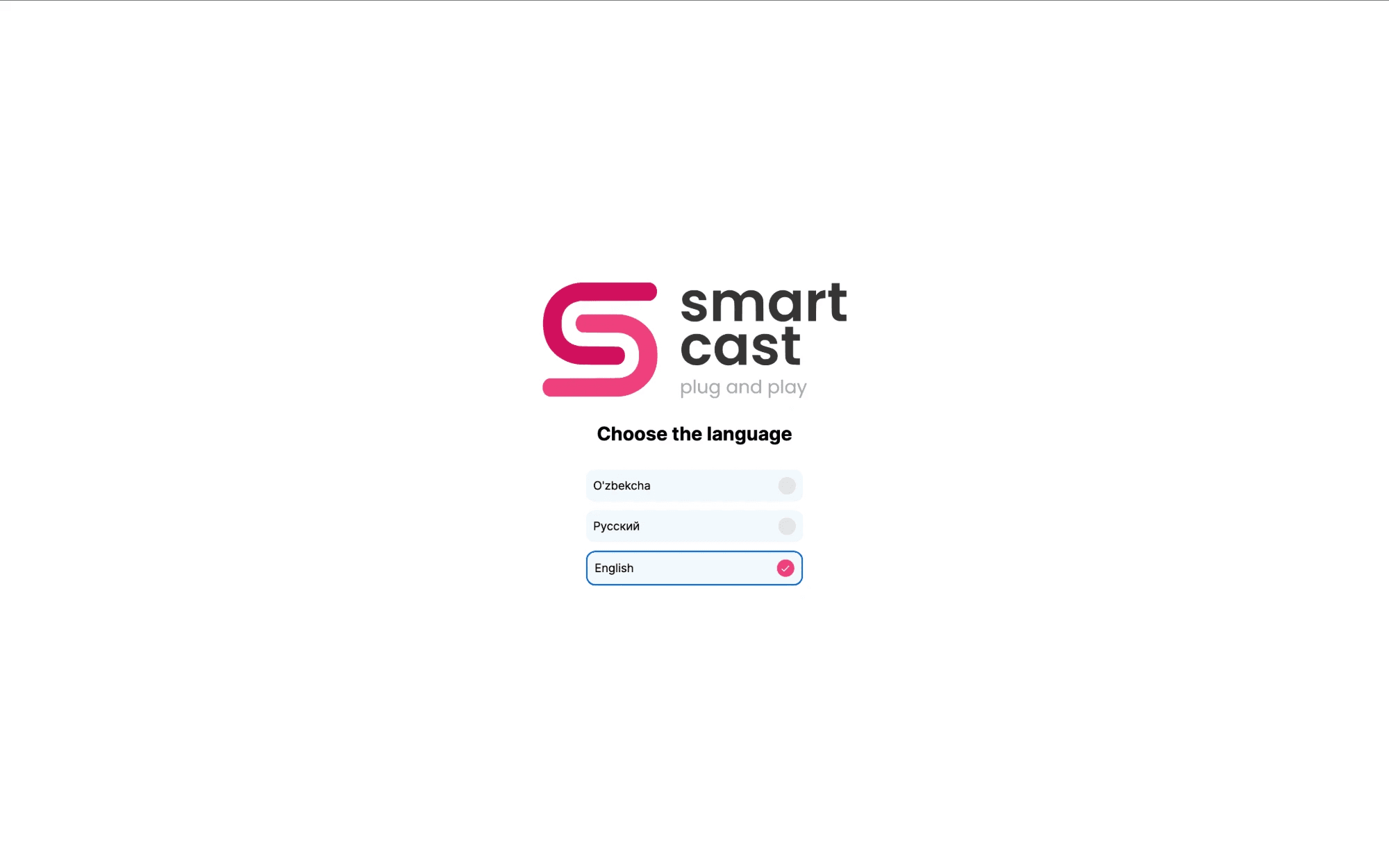
- Uzbek, Russian and English interface
My Responsibilities
- Merged three separate codebases (Web, Samsung Tizen and LG webOS) into one project managed from a single place, which saves time and speeds up delivery
- Built synchronized playback so several screens show the same frame at the same moment
- Designed a new authentication flow: device pairing with a code, token refresh and secure re-registration
- Added automatic updates so devices load the new version right after a release
- Optimized the player for old, low-resource devices that used to freeze
- Implemented offline playback with a local IndexedDB media cache and real-time MQTT commands
Advantages
- One codebase for browsers, Samsung and LG TVs, so every feature ships to all platforms at once
- Keeps playing without internet from the local cache
- Screens in one place stay in sync
- Updates itself, no manual work on each screen
- Stable on old TVs with limited memory and a single hardware video decoder
Challenges
- Old TVs freeze because of limited memory and one video decoder
- Real panels run an old browser engine (Chromium 69), where modern code breaks the screen
- Keeping several screens in sync without them talking to each other
- Three platforms with different APIs and separate codebases
Solutions
- Removed heavy work from the player and avoided starting a second video decoder on TVs
- Set the build target to Chromium 69 and detect the platform at runtime
- Used a server clock and a wall-clock schedule so every device computes the same frame
- Merged everything into one project with a shared platform layer